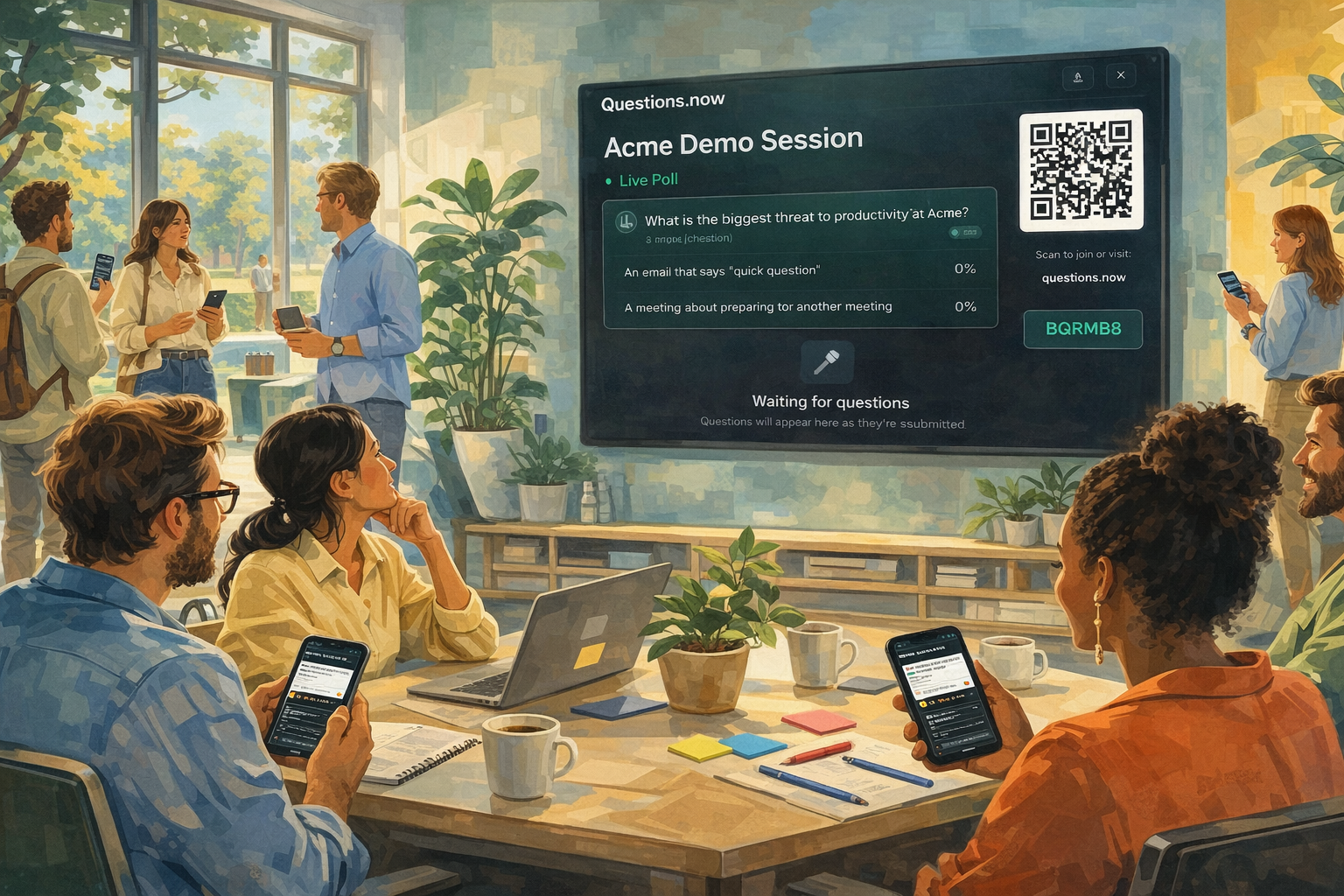
Quick, low-effort ways to warm up a room: virtual or in-person, using tools you already have.
Why icebreakers matter (and why most are painful)
The first five minutes of any meeting or event set the tone for everything that follows. If people sit in silence waiting for the presenter to start, they're in passive mode. Getting them out of that mode later (during Q&A, group work, or discussion) takes significantly more effort.
The problem is that most icebreakers feel forced. "Tell us a fun fact about yourself" in front of 200 strangers produces anxiety, not warmth. Going around the room for introductions in a 50-person meeting burns 25 minutes and tests everyone's patience.
Polling-based icebreakers fix this by making participation low-effort, anonymous (if you want), and visible. Instead of one person talking while everyone listens, the whole room contributes simultaneously and the results appear on screen in real time.
ON24's 2025 Webinar Benchmarks Report found that polls generated an average of 130 responses per event, compared to just 14 attendee questions. People are more willing to tap a button on their phone than to raise a hand and speak (ON24, 2025 Webinar Benchmarks Report).
What makes a polling-based icebreaker work
Three things: speed, visibility, and low stakes.
Speed. The icebreaker should take 2–3 minutes, including showing results. Anything longer and it stops being a warm-up and starts being a segment.
Visibility. Results should appear on the main screen in real time. When people see their answer join the word cloud or their vote shift the poll bar, they feel like they've participated in something collective.
Low stakes. The question shouldn't require expertise, courage, or self-disclosure. "What's your go-to coffee order?" works. "Share your biggest professional failure" does not.
Before the meeting starts
These icebreakers run while people are still arriving and settling in. They give early arrivals something to do and create a sense of activity before the session formally begins.
1. The Arrival Poll
Format: Multiple choice
Example: "How are you feeling about today's session? a) Ready to go b) Cautiously optimistic c) Need more coffee d) Where am I?"
Why it works: It's low-stakes, slightly funny, and immediately shows people that their phone is the participation tool for this session. It also gives the presenter a quick read on the room's energy.
2. Where Are You?
Format: Open text → word cloud
Example: "Type the city you're joining from."
Why it works: The word cloud fills with city names in real time, creating a visual map of the audience. At hybrid or virtual events, it makes the geographic spread feel tangible. People love spotting their own city in the cloud.
3. The Prediction
Format: Multiple choice
Example: "How many people do you think are in this room/on this call right now? a) Under 50 b) 50–100 c) 100–200 d) Over 200"
Why it works: It gamifies the wait. Revealing the actual answer when the session starts creates a small shared moment.
Opening the session (first 5 minutes)
These run in the first five minutes, after the presenter has welcomed the group. They transition the audience from passive to active.
4. One Word
Format: Open text → word cloud
Example: "In one word, what's the biggest challenge you're dealing with right now?"
Why it works: The word cloud reveals patterns immediately. If "time" and "workload" dominate, the presenter can acknowledge it: "Looks like we're all dealing with similar pressures." It also signals that the session is about the audience's reality, not just the presenter's slides.
5. Hot Take
Format: Rating scale (1–5 or agree/disagree)
Example: "Rate this statement: 'Most meetings could have been an email.' 1 = Strongly disagree, 5 = Strongly agree"
Why it works: It's mildly provocative without being controversial. The results are usually funny. It also opens the door for the presenter to reference the results later: "Well, 78% of you think most meetings are pointless, so let me try to make this one worth your time."
6. The Common Ground Finder
Format: Multiple choice
Example: "What did you have for breakfast? a) Something healthy b) Coffee counts as breakfast c) I skipped it d) I'm still eating it"
Why it works: It's silly, universal, and immediately creates a sense of shared humanity in the room. People laugh at the results.
7. Experience Level Check
Format: Multiple choice
Example: "How familiar are you with [today's topic]? a) Brand new b) I've read about it c) I work with it regularly d) I could teach a course on it"
Why it works: It gives the presenter useful information about who's in the room, and it helps the audience calibrate their expectations. If 60% of the room is new to the topic, the presenter can adjust.
8. The Soundtrack
Format: Open text → word cloud
Example: "What song is stuck in your head right now?"
Why it works: Completely unrelated to work, which is exactly the point. The word cloud generates conversation and laughter. Someone always writes something unexpected.
Mid-session energy boosters
Energy drops. In virtual sessions, it drops faster. These icebreakers take 1–2 minutes and reset the room's attention.
9. The Pulse Check
Format: Emoji reaction or multiple choice
Example: "How's your energy right now? 🔥 High / 😊 Good / 😐 Fading / 😴 Send help"
Why it works: It acknowledges the reality that people's attention fluctuates, and it gives the presenter a signal. If 40% of the room says "fading," it's time to change pace.
10. This or That
Format: Multiple choice (two options)
Examples: "Remote work or office?" / "Slack or email?" / "Morning meetings or afternoon meetings?" / "Tabs or spaces?"
Why it works: Binary choices are fast, opinionated, and create instant camps. People feel strongly about tabs vs. spaces, and that energy carries into whatever comes next.
11. The Bold Prediction
Format: Open text → word cloud
Example: "What's one thing you think will be completely different about [your industry] in five years?"
Why it works: It shifts the room's thinking from present problems to future possibilities. The word cloud often reveals surprising consensus, or fascinating disagreement.
12. Trivia Break
Format: Multiple choice (quiz-style)
Example: "How often is the average employee interrupted during core work hours? a) Every 15 minutes b) Every 8 minutes c) Every 2 minutes d) Every 30 seconds"
Why it works: A 30-second trivia question reactivates the brain. Revealing the answer (every 2 minutes, according to Microsoft's 2025 Work Trend Index) usually gets a groan of recognition from the room.
13. The Temperature Check
Format: Rating scale
Example: "On a scale of 1–5, how clear are you on what we've covered so far?"
Why it works: This is functional, not just fun. If the average is 2.5, the presenter knows to pause and clarify before moving on.
14. Caption This
Format: Open text
Example: Show an image on screen (a stock photo of a disastrous meeting, a confused-looking cat, etc.) and ask: "Caption this."
Why it works: It's a creative outlet. The funniest responses tend to get spontaneous reactions from the room.
15. The Unpopular Opinion
Format: Open text → word cloud
Example: "Share your most unpopular work opinion."
Why it works: Anonymity makes people brave. You'll get genuine, funny, and occasionally insightful responses that create talking points for the rest of the session.
Closing and reflection
These icebreakers (or "ice-finishers") wrap up the session on a high note or capture a final thought.
16. One Takeaway
Format: Open text → word cloud
Example: "What's one thing from today you'll actually use?"
Why it works: It creates a collective summary of the session's value, generated by the audience rather than the presenter. It also gives the presenter feedback on what landed.
17. The Gratitude Cloud
Format: Open text → word cloud
Example: "In one word, what are you grateful for this week?"
Why it works: Ending on gratitude changes the emotional tone. The word cloud is usually warm and surprising. This works especially well at the end of team retreats or all-hands meetings.
18. Rate This Session
Format: Rating scale (1–5) or emoji reaction
Example: "How would you rate today's session? 1 = Meh, 5 = Excellent"
Why it works: Instant, anonymous feedback for the presenter. It also gives the audience a sense of closure.
19. The Commitment
Format: Open text
Example: "What's one thing you'll do differently next week based on today?"
Why it works: It moves from information to action. The responses are also useful for follow-up: the presenter can reference them in a recap email.
20. The Parking Lot
Format: Open text / Q&A
Example: "Any questions or topics we didn't cover today? Submit them here. We'll follow up."
Why it works: It captures residual thoughts and unanswered questions. It also signals that the conversation doesn't end when the meeting ends.
21. The Exit Ticket
Format: Multiple choice
Example: "What should we spend more time on next time? a) [Topic A] b) [Topic B] c) [Topic C] d) Something else"
Why it works: It gives the audience a voice in shaping future sessions, which increases the likelihood they'll show up next time.
Choosing the right format for each icebreaker
| Icebreaker type | Best format | Best for | Time needed |
|---|---|---|---|
| Arrivals | Word cloud, poll | Settling in, building energy | 2–3 min |
| Openers | Word cloud, rating | Setting tone, getting first interaction | 2–3 min |
| Energy boosters | This/that, trivia, emoji | Breaking mid-session slump | 1–2 min |
| Closers | Word cloud, rating, open text | Reflection, feedback, commitment | 2–3 min |
The key principle: match the icebreaker to the moment. An arrival icebreaker should be effortless. An opener should be slightly more engaging. A mid-session booster should be fast. A closer should feel reflective.
All 21 of these icebreakers can be run with Questions.now: polls, word clouds, emoji reactions, and open-text Q&A, all from your audience's phones with no app download required.