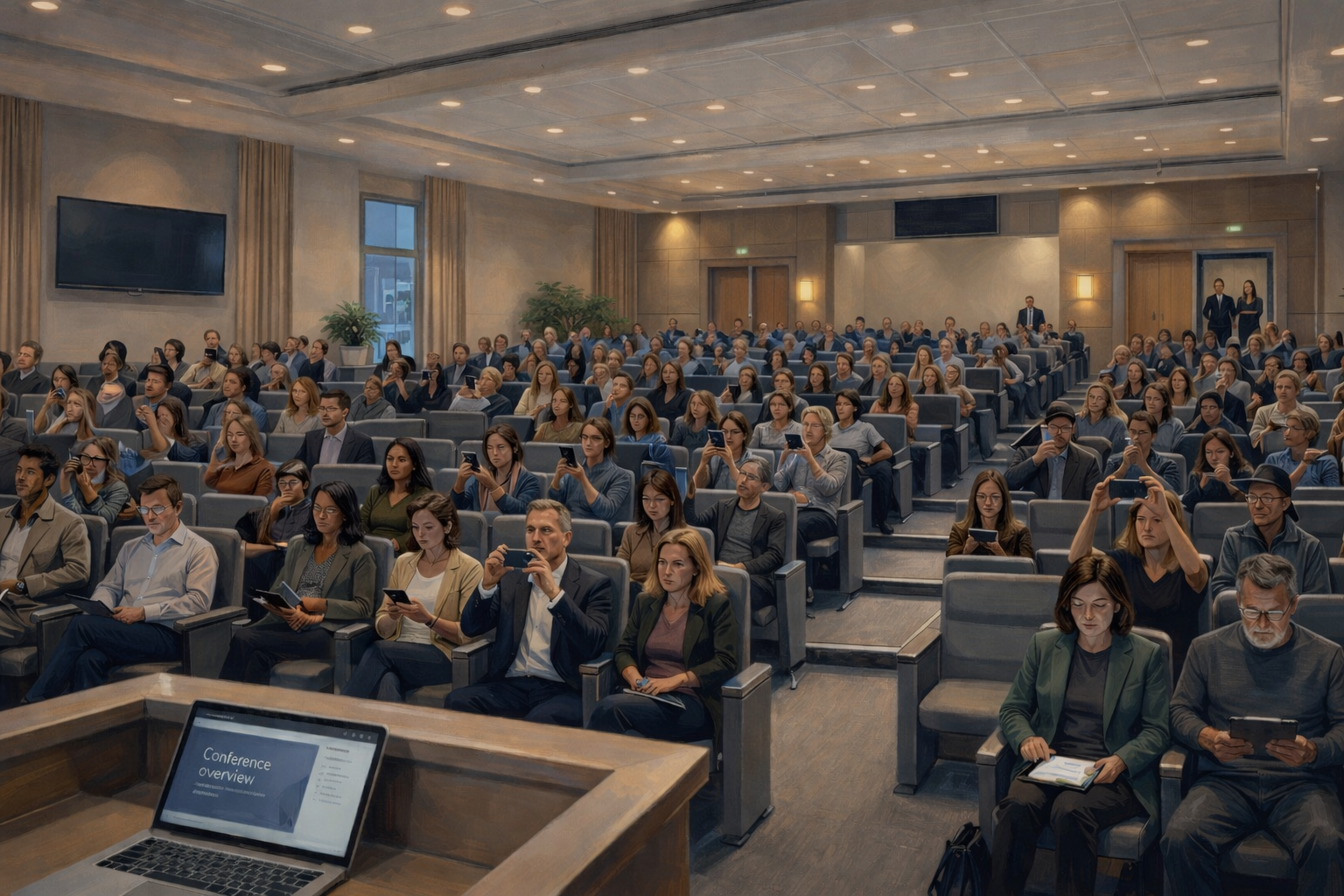
Most event organizers spend weeks on content, speakers, and logistics. The slides get polished. The run of show gets timed to the minute. But the part that determines whether the audience actually engages — the participation design — usually gets about five minutes of thought the morning of.
That's backwards. The ON24 2025 Webinar Benchmarks Report found that poll responses were the most common form of interaction in webinars, averaging 130 responses per session, while direct questions averaged just 14. People want to participate, but they overwhelmingly prefer low-friction, low-exposure ways to do it. If you build your session around a microphone in the aisle and a "any questions?" at the end, you're designing for the 14, not the 130.
The good news is that the fixes are mostly structural, not heroic. You don't need a more charismatic speaker or a more engaged audience. You need better participation infrastructure: the right mix of tools, timing, and trust that makes it easy for people to contribute without putting themselves on the spot.
This guide covers the techniques that consistently work across conferences, town halls, classrooms, webinars, and panels. They're organized around the problems they solve, because that's how you'll actually use them.
Getting people to speak up in the first place
The biggest barrier to participation is almost always psychological, not technical. People worry about looking uninformed, saying the wrong thing, or being identified with a controversial question. Harvard Business School professor Amy Edmondson's research on psychological safety has shown this consistently across decades of studies: when people believe that speaking up carries interpersonal risk, they stay quiet, even when they have something important to contribute. That dynamic plays out in HR town halls, university lectures, executive all-hands, and anywhere the audience is evaluating the personal cost of raising their hand.
Anonymous question submission directly addresses this. When people can ask without attaching their name, the quality of questions changes. You get the real concerns, the ones people discuss in the hallway afterward but never raise in the room.
But turning on anonymity isn't enough on its own. You have to make the safety visible: tell people whether names are optional, explain what moderators can see, and describe how submissions are handled. Offer both named and anonymous options. Open submissions early, not just during the Q&A segment. And use a warm-up question at the start so people test the tool before the stakes go up. For a full walkthrough of how to set up and run anonymous Q&A well, including privacy considerations and moderation frameworks, see our guide to anonymous question submission.
Reading the room in real time
Once people are willing to participate, the next question is how. Not everyone wants to write a full question. In fact, most people won't. Jakob Nielsen's research on participation inequality found that in most online communities, roughly 90% of people lurk, 9% contribute occasionally, and only 1% are active creators (Nielsen Norman Group). Live events follow a similar pattern: in a room of 200, maybe 30 will submit a question. The rest have reactions but no outlet for them.
That's where lighter-weight participation tools come in. They give the silent majority a way to be present in the conversation without composing a sentence.
Live polls are the most direct version of this. Ask the room a focused question, show results immediately, and act on what you see. Which topic should we cover next? Is the room ready to move on? Which of these three approaches resonates most? A well-timed poll turns passive attendance into a decision. But the key word is "act." If the audience votes for Topic B and the speaker continues with Topic A, participation drops fast. Polls work when they steer the session, not when they decorate it. Keep them narrow enough that the result tells you what to do next, and use them at natural decision points rather than on a fixed schedule.
Word clouds serve a different purpose. Instead of fixed answer choices, you throw an open-ended prompt to the room: "What's the one word that describes your experience with this process?" or "What's on your mind coming into this session?" The responses appear as a dynamic visual, with the most common words appearing largest. Word clouds are particularly useful at the start of a session as an icebreaker, or when you want to take the temperature on something you couldn't easily reduce to a multiple-choice poll. They also surface the language the audience uses naturally, which often differs from the language the presenter has been using. That gap is valuable information. Where a poll gives you a quantitative read ("67% want to discuss pricing"), a word cloud gives you a qualitative read ("the words people associate with this product are 'expensive,' 'powerful,' and 'confusing'"). Used together, they give you both the numbers and the texture behind them.
Emoji reactions are the lightest-weight option. A thumbs up, a fire emoji, a question mark. Floating reactions give the speaker real-time feedback on whether a point landed, and they give the audience a way to feel present without writing a single word. In a room where only 30 people will submit a question, emoji reactions capture the energy of the other 170.
These tools also work as on-ramps. Someone who drops an emoji reaction is more likely to submit a question a few minutes later. Each small act of participation lowers the threshold for the next one.
Letting the audience prioritize
Once questions are flowing, you need a way to know which ones the room cares about most. Upvoting solves this. When attendees can endorse questions they want answered, you get a ranked view of collective interest instead of relying on whoever typed first or spoke loudest. Reddit AMAs and product forums have trained people to expect this kind of prioritization, and live events should meet that expectation.
But upvotes should inform the host's judgment, not replace it. If you mechanically follow the top-voted list, the session can get narrow. Similar questions dominate. Minority viewpoints disappear. Sensitive topics get buried. What works better is answering the clear top themes, then deliberately making time for underrepresented concerns that won't win a popularity contest but still deserve airtime.
Vote patterns are also useful after the session. If attendees repeatedly prioritize operational concerns over strategy, or tactical examples over vision, that tells you how to improve the format next time. Upvotes don't just sort questions in the moment. They reveal where your content landed unevenly.
Why bad moderation kills future participation
Getting people to participate once is hard. Getting them to participate again is harder. If someone submits a question and it vanishes into a chaotic feed, or gets ignored while duplicates pile up, they learn that contributing wasn't worth the effort. The next session, they stay quiet.
In any session with more than about 30 people, the host's biggest challenge is making sense of what's coming in fast enough that participants feel heard. Dozens of submissions pile up. Many are variations of the same concern. The most important question might be buried under duplicates.
This is where moderation and AI clustering earn their place. A moderator can merge duplicates, filter out bad-faith submissions, and hold back time for questions that won't trend but still matter. AI topic clustering can group similar questions automatically, so the presenter answers one clear theme instead of repeating variations. The audience sees their concern acknowledged, even if their exact wording wasn't the one that made it to the stage.
The key is to assign roles before the session starts. The host answers questions and manages the conversation. The moderator reviews the queue and merges duplicates. If you have a third person, they watch for emerging themes and prepare follow-up items. Trying to do all three at once while presenting is how sessions fall apart. We cover moderation roles and decision-making in more detail in our anonymous Q&A guide.
Presenter mode helps here too. When the speaker has a dedicated full-screen view showing only the curated, prioritized questions, they stop scrolling through a raw feed and start responding to what the moderator has surfaced. Some platforms take this further with AI-powered next-question suggestions that recommend what to answer next based on vote counts, theme clustering, and what's already been addressed. The presenter still decides, but the sorting happens automatically instead of in a rushed sidebar chat between host and moderator. In large town halls or multi-track conferences where dozens of questions arrive in minutes, that kind of assistance is the difference between a focused session and a chaotic one.
Making participation frictionless
None of the techniques above matter if people can't get in. The failure sequence is predictable: the speaker invites people to join, half the room reaches for a phone, then the friction starts. App download, account creation, email verification, password reset, weak venue WiFi. By the time people get through it, the moment has passed.
Good access design means attendees scan a QR code or tap a link, land in the right place, and submit something in seconds. No account required. No app install. Browser-based, mobile-first, and tested on real devices before the event. Keep the QR code or link visible throughout the session, not just when you first mention it.
If your goals include lead capture, gating participation behind a registration form is a valid choice, but know the trade-off: more contact data, fewer questions, less candor. For most sessions, open access produces better signal. For a deeper look at access design trade-offs, see our anonymous Q&A guide.
Getting remote attendees to participate as actively as in-person ones
Hybrid sessions have a built-in participation gap. The people in the room get eye contact, spontaneous discussion, and the social pressure that comes with being physically present. Remote attendees get a lagging livestream and a chat window nobody watches. Without deliberate design, you end up with two tiers of participation: one audience that's engaged and one that's spectating.
The fix is a single participation layer across both channels. When in-person and remote attendees submit questions through the same tool, the moderator works from one queue instead of juggling separate systems. Upvotes, emoji reactions, and polls all work the same way regardless of where someone is sitting. The remote attendees stop being a side channel and start competing for attention on equal terms.
A few operational choices matter more than fancy production: use one visible question feed so everyone knows where the conversation lives, assign separate support roles for stage flow and remote monitoring, and read online questions out loud so remote participants stay part of the room.
How follow-up drives participation next time
People decide whether to participate in your next session based on what happened after the last one. If their questions disappeared into a void, they won't bother again. If they saw a follow-up that addressed what was raised, named what will change, and showed that the input mattered, they'll engage more next time and tell others to do the same.
The questions your audience submitted are a record of what they actually cared about, what confused them, and what they didn't feel safe raising in other settings. Most teams never look at this data after the event ends.
Review the full question set, not just the top-voted items. Where did confusion cluster? What did leadership emphasize that the audience kept pushing back on? Which topics were upvoted heavily but phrased cautiously?
Then close the loop. Share which themes emerged, which questions still need a response, and what will change as a result. This can be brief, but it has to be concrete. We cover post-event review and follow-up in depth in our anonymous Q&A guide.
AI-generated session reports can speed this up considerably. Instead of manually reviewing a raw export of every question and vote, you get an auto-generated summary of the key themes, the most-discussed topics, and the questions that drew the strongest audience signal. That makes the debrief with stakeholders faster and gives you a shareable artifact you can send to participants as proof that their input was taken seriously.
Putting it together
You don't need to adopt all of these techniques at once. Start with whatever solves your most obvious problem.
If your room is quiet, add anonymous Q&A. If discussions feel random, add upvoting. If your sessions feel one-way, add live polls and emoji reactions. If you keep repeating the same event mistakes, fix your post-event review process. If remote attendees feel like an afterthought, unify your participation layer.
Small format changes can completely shift audience behavior. Once people see that their input actually affects the conversation, they engage differently. The questions get sharper, the speaker gets better information, and the whole event starts feeling like a conversation people are part of rather than a broadcast they're sitting through.
The tools matter, but the bigger shift is treating engagement as something you design into the session from the start. If you wait until the end to ask "any questions?", you've already lost most of the room.
A platform like Questions.now brings these pieces together in one place: anonymous Q&A, live polls, upvoting, word clouds, emoji reactions, AI topic clustering, moderation controls, and post-session exports. It's useful when you want the whole system working together without stitching separate tools together under pressure.